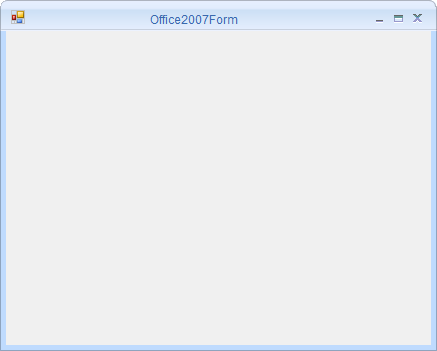
Getting Started with Windows Forms Office2007 Form
18 Nov 20181 minute to read
This section describes how to configure the Office2007Form control in a Windows Forms application.
Assembly deployment
Refer to the control dependencies section for the list of assemblies and NuGet packages that must be added as references to use the control.
For more details on installing NuGet packages in a Windows Forms application, see How to install nuget packages.
Creating simple application with Office2007Form
You can create the Windows Forms application with the Office2007Form control as follows:
Creating the project
Create a new Windows Forms project in Visual Studio to use the standard form with Office2007 styling.
Configure Office2007Form
Office2007Form is an advanced standard Form. Configure it by following the given steps:
Step 1: Add the following required assembly reference to the project:
Syncfusion.Shared.Base.dll
Step 2: Include the Syncfusion.Windows.Forms namespace.
using Syncfusion.Windows.Forms;Imports Syncfusion.Windows.FormsStep 3: Change the class to inherit Office2007Form instead of the standard form.
public partial class Form1 : Office2007Form
{
    public Form1()
    {
        this.Text = "Office2007Form";
    }
}
Partial Public Class Form1
Inherits Office2007Form
Public Sub New()
Me.Text = "Office2007Form"
End Sub
End Class