HTML bookmarks in WinForms HTML Viewer control
18 Nov 20181 minute to read
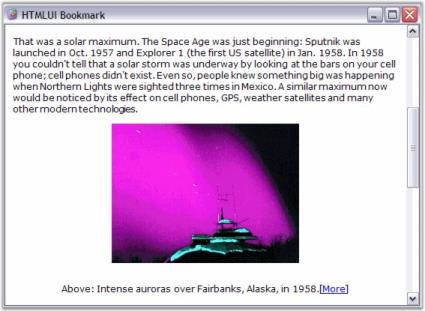
Bookmarks feature is enabled in the WinForms HTML Viewer control. This allows the user to switch to particular references in the page when the link is clicked. The control has another functionality of referring bookmarks which is, referring them not only in the same page, but also in other pages.
<html>

<body>

<a href="Newfile.htm#bookmark" aria-label="Navigate to new file bookmark"> New file Book mark </a>

<a href="#bookmark" aria-label="Jump to bookmark in same file"> Bookmark in same file </a>

......

......

<div id="bookmark"> Syncfusion's HTMLUI Control </div>

</body>

</html>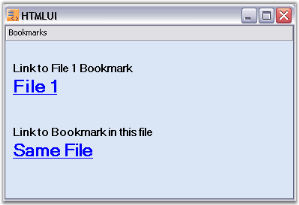
WinForms HTML Viewer bookmarks sample
This sample illustrates the implementation of Bookmarks in WinForms HTML Viewer.
By default, this sample can be found under the following location:
…_My Documents\Syncfusion\EssentialStudio\Version Number\Windows\HTMLUI.Windows\Samples\Advanced Editor Functions\ActionGroupingDemo_