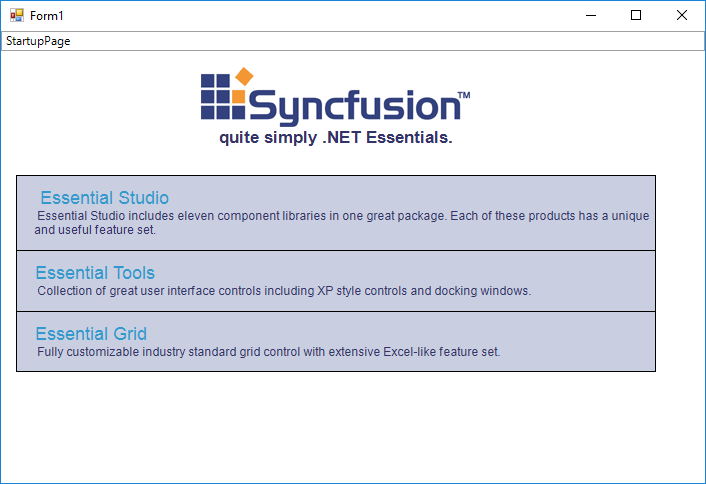
Getting Started with WinForms HTML Viewer
18 Nov 20183 minutes to read
This section describes how to configure a WinForms HTML Viewer Control in a Windows Forms application and overview of its basic functionalities.
Assembly deployment
Refer to the Control Dependencies section to get the list of assemblies or the NuGet package that needs to be added as a reference to use the control in any application.
Find more details on how to install NuGet packages in a Windows Forms application in the How to install NuGet packages link.
Creating simple application with WinForms HTML Viewer Control
You can create a Windows Forms application with the WinForms HTML Viewer Control as follows:
- Creating the project
- Adding control via designer
- Adding control manually using code
- Loading a file into document
Creating the project
Create a new Windows Forms project in Visual Studio to display the WinForms HTML Viewer Control.
Adding control via designer
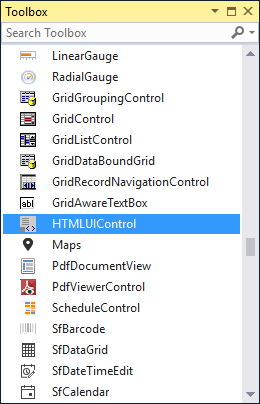
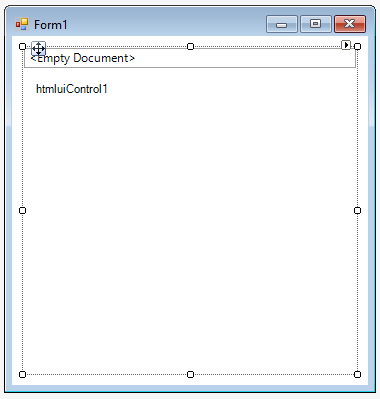
The WinForms HTML Viewer Control can be added to the application by dragging it from the toolbox and dropping it in the designer view. The following required assembly references will be added automatically:
- Syncfusion.HTMLUI.Base.dll
- Syncfusion.HTMLUI.Windows.dll
- Syncfusion.Scripting.Base.dll
- Syncfusion.Shared.Base
Configure Title
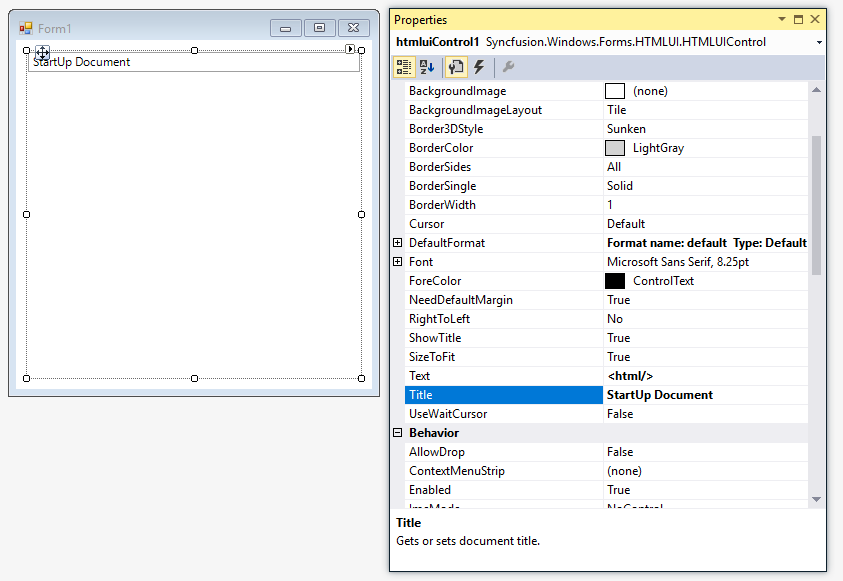
The title text can be set using the Title property. The visibility of the title can be customized using the ShowTitle property.
Adding control manually using code
To add the control manually in C#, follow the steps:
Step 1 : Add the following required assembly references to the project:
  * Syncfusion.HTMLUI.Base.dll
  * Syncfusion.HTMLUI.Windows.dll
  * Syncfusion.Scripting.Base.dll
  * Syncfusion.Shared.Base
Step 2: Include the namespace Syncfusion.Windows.Forms.HTMLUI.
using Syncfusion.Windows.Forms.HTMLUI;Imports Syncfusion.Windows.Forms.HTMLUIStep 3 : Create the WinForms HTML Viewer Control instance and add it to the form.
HTMLUIControl htmluiControl1 = new HTMLUIControl();

this.htmluiControl1.Dock = System.Windows.Forms.DockStyle.Fill;

this.htmluiControl1.Text = "htmluiControl1";

this.Controls.Add(this.htmluiControl1);
Dim htmluiControl1 As New HTMLUIControl()
Me.htmluiControl1.Dock = System.Windows.Forms.DockStyle.Fill
Me.htmluiControl1.Text = "htmluiControl1"
Me.Controls.Add(Me.htmluiControl1)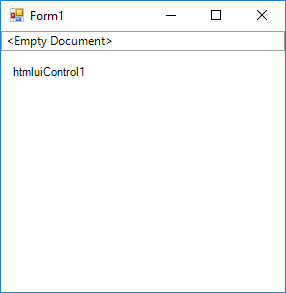
Configure Title
Title text can be set using Title property. The visibility of the title can be customized using ShowTitle property.
this.htmluiControl1.ShowTitle = true;
this.htmluiControl1.Title = "StartUp Document";Me.htmluiControl1.ShowTitle = True
Me.htmluiControl1.Title = "StartUp Document"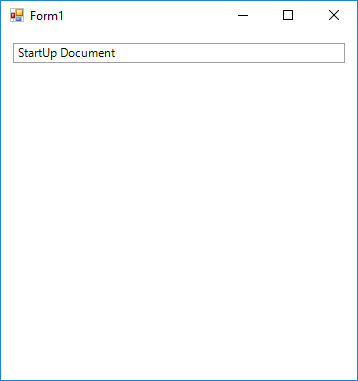
Loading a file into document
A file can be loaded into the WinForms HTML Viewer Control using the LoadHTML method, with the file path given as a parameter.
this.htmluiControl1.LoadHTML(Path.GetDirectoryName(Application.ExecutablePath) + @"\..\..\FileName.htm");Me.htmluiControl1.LoadHTML(Path.GetDirectoryName(Application.ExecutablePath) + @"\..\..\FileName.htm")